Nano Banana Pro AI Image Generator

Use Nano Banana Pro in Image4 for packaging scenes and editorial imagery. Guide images with a detailed prompt or references and select supported output settings.

Prompt Templates
Explore more prompts
Cobalt-blue glass perfume bottle on a pale stone pedestal in a sunlit studio
Prompt Templates

Model guide

Nano Banana Pro: generation and editing capabilities

Review supported inputs, output settings, and practical limits before using a draft.

Amber fragrance bottle editorial product concept
Original illustrative concept visual generated for this Nano Banana Pro page; it is not a verified model output.

Prompting

Nano Banana Pro image creation

Describe the subject, setting, composition, and lighting to create a new image with Nano Banana Pro.

  • Example direction: Specify product materials, lighting direction, framing, and which packaging details should remain legible or unchanged.
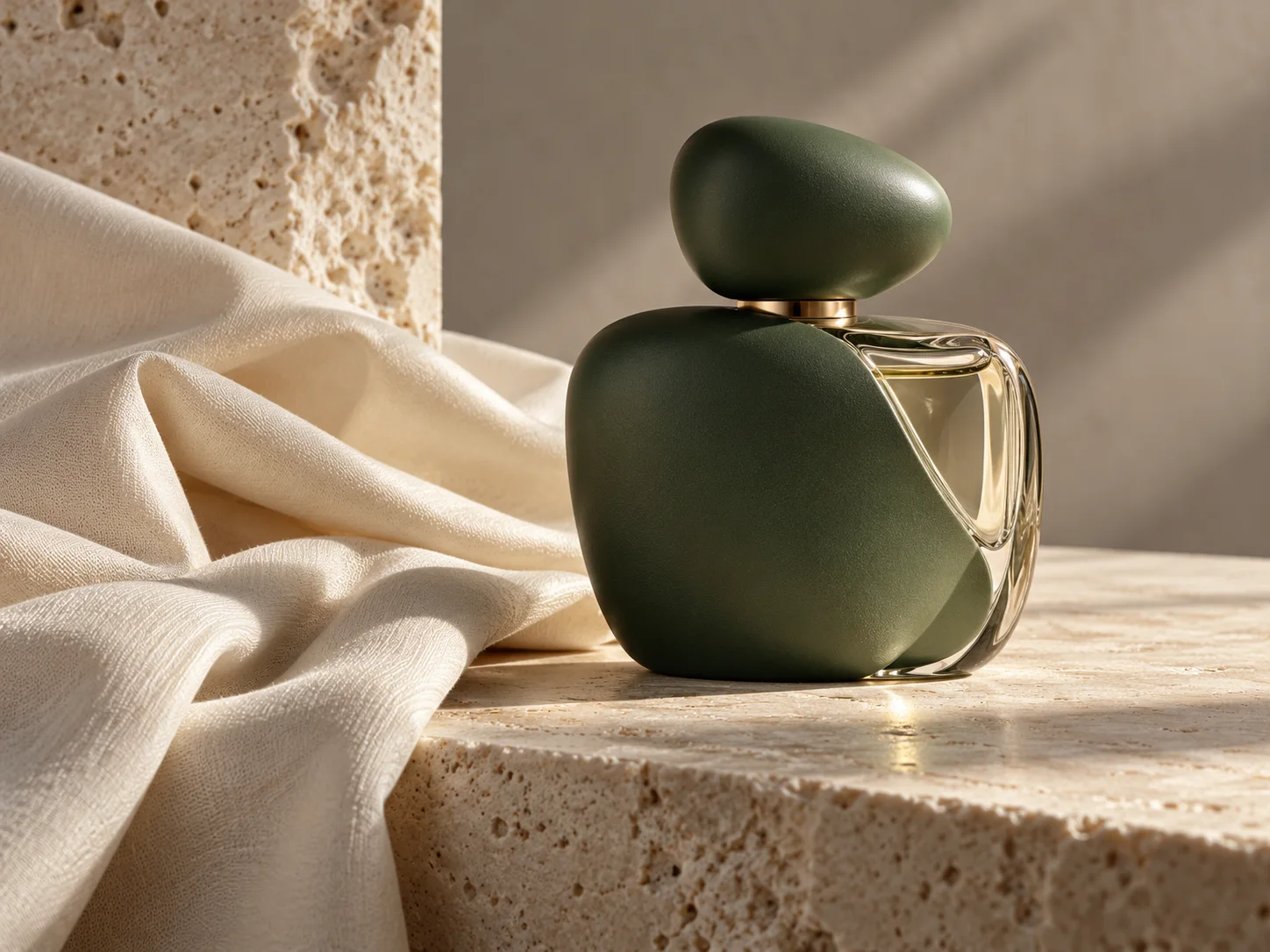
  • Example prompt: “Create an editorial still life of a matte green perfume bottle beside folded ivory fabric, controlled side lighting, subtle glass reflections, a quiet warm-gray backdrop, and no invented label text.”

Reference editing

Guide edits with image references

Add up to 8 reference images and describe which package shape, label placement, or visual traits the edit should retain. The model may reinterpret details, so review the result before using it in a finished asset.

  • Example edit: State which details to preserve and which parts to change, then inspect the output against the source image.
  • Image4 routes requests through the selected API provider, with KIE as the default. Model names and trademarks belong to their respective owners; this page describes the Image4 workflow and is not an official provider product page.

Output settings

Choose supported output settings

The KIE Nano Banana Pro workflow offers 1K, 2K, and 4K resolution and aspect ratio controls. It does not expose a separate quality selector.

  • The KIE Nano Banana Pro workflow offers 1K, 2K, and 4K resolution and aspect ratio controls. It does not expose a separate quality selector.
  • KIE offers 1K, 2K, and 4K output with reference-image editing.

Iteration

Refine the visual direction

Change one part of the prompt at a time to compare composition, color, lighting, or material choices across drafts.

  • Generated text, identity, materials, and fine details may differ from the prompt or source image. Review each output before publishing or using it in production.
  • Refine one visual decision at a time to make changes easier to evaluate.

From brief to reviewed image

How to use Nano Banana Pro

Use a focused prompt for editorial still lifes, packaging concepts, and detailed reference-led campaign drafts. and confirm the supported inputs before generation.

  1. 01

    Choose the model

    Open the image workspace with this model selected. It is suited to editorial still lifes, packaging concepts, and detailed reference-led campaign drafts.

  2. 02

    Write a specific brief

    Specify product materials, lighting direction, framing, and which packaging details should remain legible or unchanged. Include the subject, composition, and visual details that matter to this image.

  3. 03

    Set output options

    The KIE Nano Banana Pro workflow offers 1K, 2K, and 4K resolution and aspect ratio controls. It does not expose a separate quality selector. Review the available choices and credit estimate before submitting.

  4. 04

    Review and refine

    Generated text, identity, materials, and fine details may differ from the prompt or source image. Review each output before publishing or using it in production. Compare the draft with your goal, then refine one detail at a time.

Google AI image model

Nano Banana Pro FAQ

Create images with Nano Banana Pro

Start with nano banana pro scene example, review the supported settings, and compare the generated image with your brief before using it.