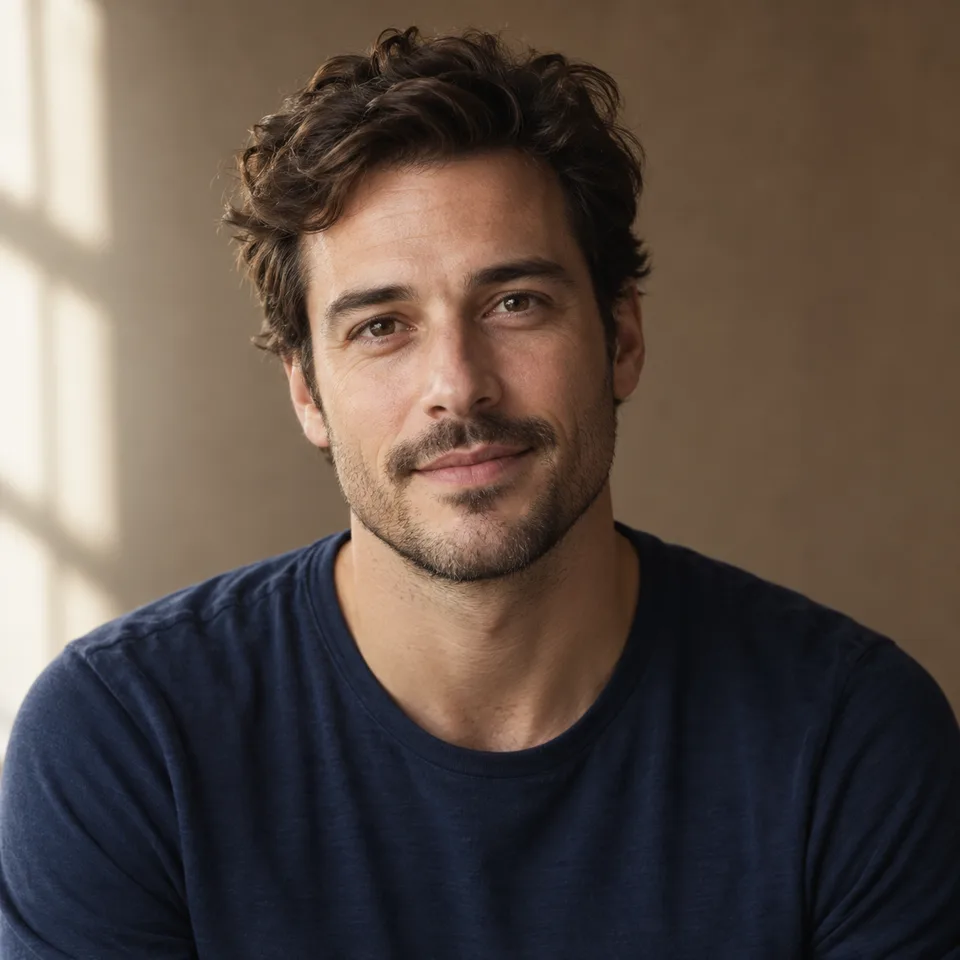
AI Face Swap Photo

Explore AI face swap photo concepts using authorized portrait references in Image4. Describe the scene and review likeness, lighting, and facial details.

Prompt Templates
Explore more prompts
Cobalt-blue glass perfume bottle on a pale stone pedestal in a sunlit studio
Prompt Templates

Creative guidance

AI Face Swap Photo: examples and practical tips

Explore portrait variations with authorized references

Illustrative portrait concept with soft lighting and a reference-guided facial appearance
Illustrative concept visual created for this page; results require clear input lighting and alignment.

Brief

Vintage portrait direction

For an AI face swap photo concept, provide authorized portrait references and describe the pose, outfit, and scene to explore. The shared image model generates a new portrait interpretation; it does not offer a dedicated face alignment or identity-lock control. Compare the face, expression, hair, and light with your intended reference.

  • The period lighting, tone, and expression define the portrait direction; compare the generated face with the authorized reference.
  • Example prompt: “Use the uploaded destination portrait and reference face. Create a new portrait guided by the reference facial features while matching the 1920s vintage sepia lighting, grain, and subtle smile.”

Required input

Start from a source image

Upload a supported image, then state which details should stay recognizable and what should change. Explicitly requesting realistic skin pores and matching studio lighting produces a polished corporate headshot mockup.

  • Example prompt: “Apply the face from the reference selfie onto the professional corporate suit portrait. Align the head tilt, match studio three-point soft lighting, and maintain natural skin pores.”
  • Use an image you have permission to upload; generated changes are not pixel-preserving.

Settings

Choose a practical output format

Select a model and choose the available output settings for the intended placement. Use a portrait crop for a cover or a wide crop for a banner.

  • Extreme head angles, severe shadows, or heavily occluded faces may produce inconsistent alignments.
  • Review the available settings and credit estimate before submitting.

Review

Review the generated image

Compare facial features, expression, hair, and lighting with the reference; exact likeness is not guaranteed. Compare the result with your brief or source before using it.

  • Only use face swap tools with proper consent from all individuals depicted.
  • Change one part of the brief at a time so each new draft is easier to evaluate.

From brief to reviewed image

How to use AI Face Swap Photo

This workflow requires an image. Upload a clear authorized portrait reference with visible facial features and suitable lighting. Check the accepted file and model limits before submitting.

  1. 01

    Upload your source image

    Upload a clear authorized portrait reference with visible facial features and suitable lighting.

  2. 02

    Set the visual direction

    Describe the intended pose, outfit, and setting, and identify the reference features you want to guide the portrait. Use the example prompt above as a starting point, not a required template.

  3. 03

    Choose output and generate

    Choose a reference-capable model and available output settings, then generate a new portrait concept. Check the current model, output choices, and credit estimate before submitting.

  4. 04

    Review and refine

    Compare facial features, expression, hair, and lighting with the reference; exact likeness is not guaranteed.

Common questions

AI Face Swap Photo FAQ

Try AI Face Swap Photo in Image4

The period lighting, tone, and expression define the portrait direction; compare the generated face with the authorized reference. Start with a focused brief and review the generated image against your intended use.