Fantasy Art Generator

Create fantasy characters, enchanted forests, and imagined landscapes with the Image4 fantasy art generator. Guide each scene with a focused visual prompt.

Prompt Templates
Explore more prompts
Cobalt-blue glass perfume bottle on a pale stone pedestal in a sunlit studio
Prompt Templates

Creative guidance

Fantasy Art Generator: examples and practical tips

Shape a fantasy scene from subject to atmosphere

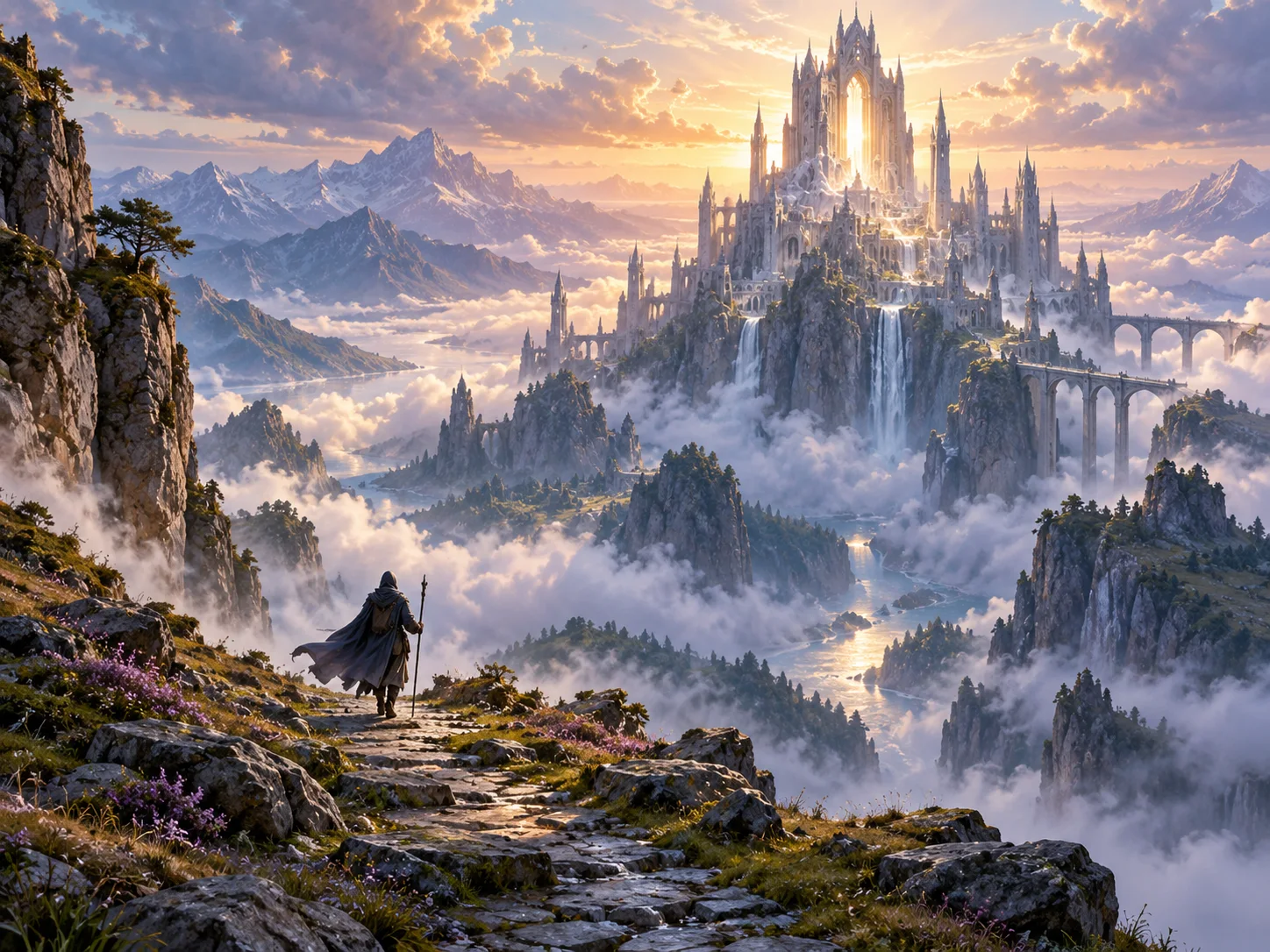
Fantasy landscape concept showing a small traveler approaching a luminous stone citadel among misty mountains
Illustrative fantasy scene created for this page, not a guaranteed generator result.

Brief

Citadel above the clouds

Fantasy art prompts benefit from a clear visual anchor: a traveler crossing a glass bridge, a citadel above the clouds, or a quiet enchanted forest. Add scale, weather, light, and a limited palette to make the scene easier to read. Generated lore, symbols, and fine details may need correction.

  • The traveler anchors the scene while mist, dawn light, and scale establish its atmosphere.
  • Example prompt: “A lone traveler approaches a weathered stone citadel above the clouds, distant layered mountains, dawn light breaking through mist, small figures for scale, painterly fantasy concept art, no lettering.”

Optional input

Use a reference when it adds direction

A reference is optional for this workflow. Add one when it helps guide the subject, composition, or treatment. Foreground details, towering trees, and a distant opening create depth without adding competing focal points.

  • Example prompt: “A narrow path through an ancient enchanted forest, tiny blue lantern flowers at ground level, enormous moss-covered trees, a distant warm opening in the canopy, cinematic wide composition, textured illustration.”
  • A written brief is enough to create a new scene from scratch.

Settings

Choose a practical output format

Select a model and choose the available output settings for the intended placement. Use a portrait crop for a cover or a wide crop for a banner.

  • Fine runes, maps, and written labels may be inconsistent; add exact typography in a separate design tool.
  • Review the available settings and credit estimate before submitting.

Review

Review the generated image

Review symbols, architecture, and hands or faces; refine the prompt where details matter. Compare the result with your brief or source before using it.

  • The generator creates a new interpretation and does not preserve a specific fictional character or world automatically.
  • Change one part of the brief at a time so each new draft is easier to evaluate.

From brief to reviewed image

How to use Fantasy Art Generator

Pick one focal subject and one place for the scene to center on. Then shape the result with the subject, style, composition, and details relevant to this workflow.

  1. 01

    Write a visual brief

    Pick one focal subject and one place for the scene to center on.

  2. 02

    Set the visual direction

    Describe scale with a recognizable figure, structure, or foreground object. Use the example prompt above as a starting point, not a required template.

  3. 03

    Choose output and generate

    Add atmosphere through weather, time of day, lighting, and a restrained palette. Check the current model, output choices, and credit estimate before submitting.

  4. 04

    Review and refine

    Review symbols, architecture, and hands or faces; refine the prompt where details matter.

Common questions

Fantasy Art Generator FAQ

Try Fantasy Art Generator in Image4

The traveler anchors the scene while mist, dawn light, and scale establish its atmosphere. Start with a focused brief and review the generated image against your intended use.